ProductOverview
One board foreverything code.
Chief to plan, a board to steer, a diff to decide on, and pipelines to make it repeatable. On your Mac, your phone and your terminal.
01Chief
Say the outcome. Chief does the org chart.
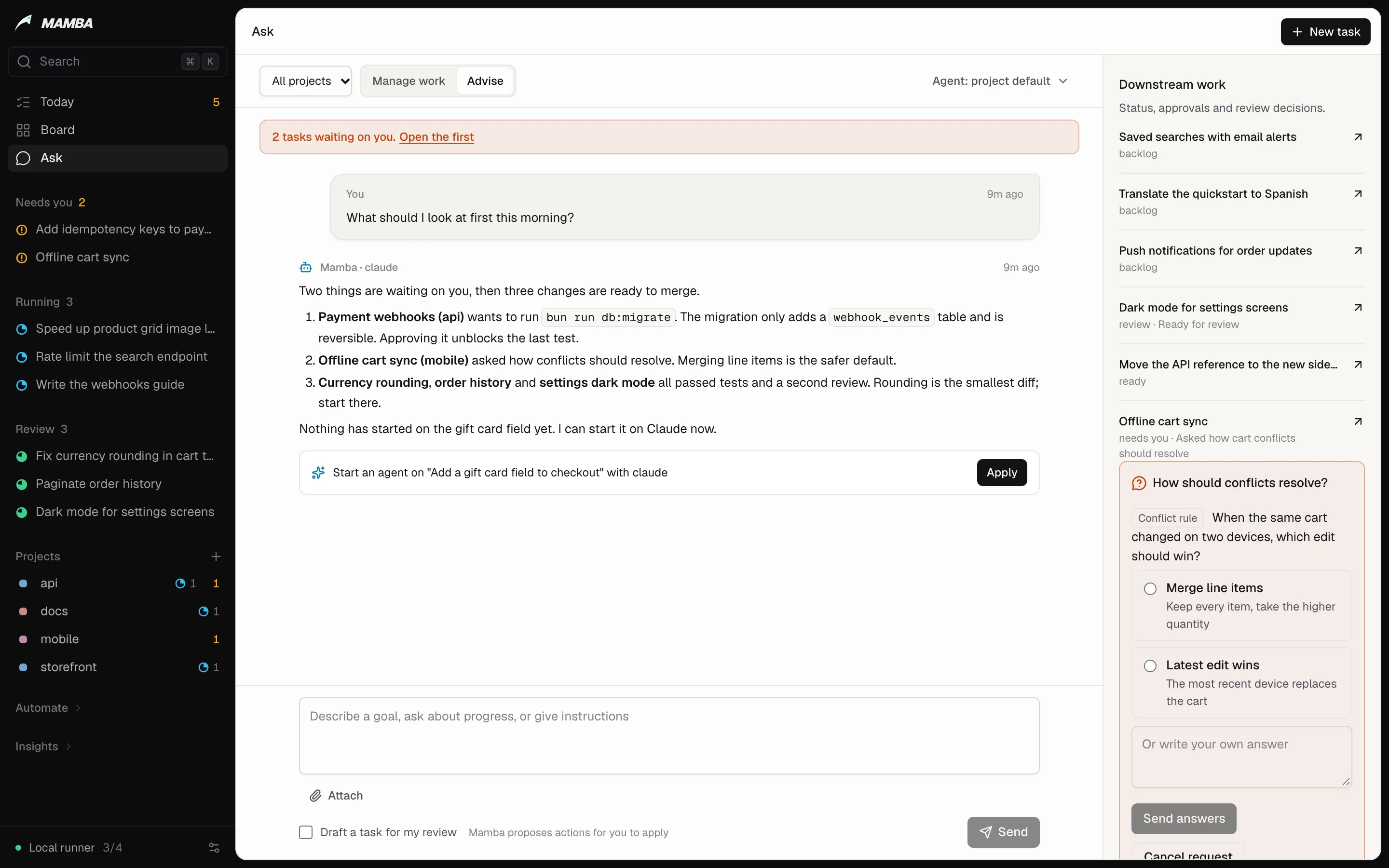
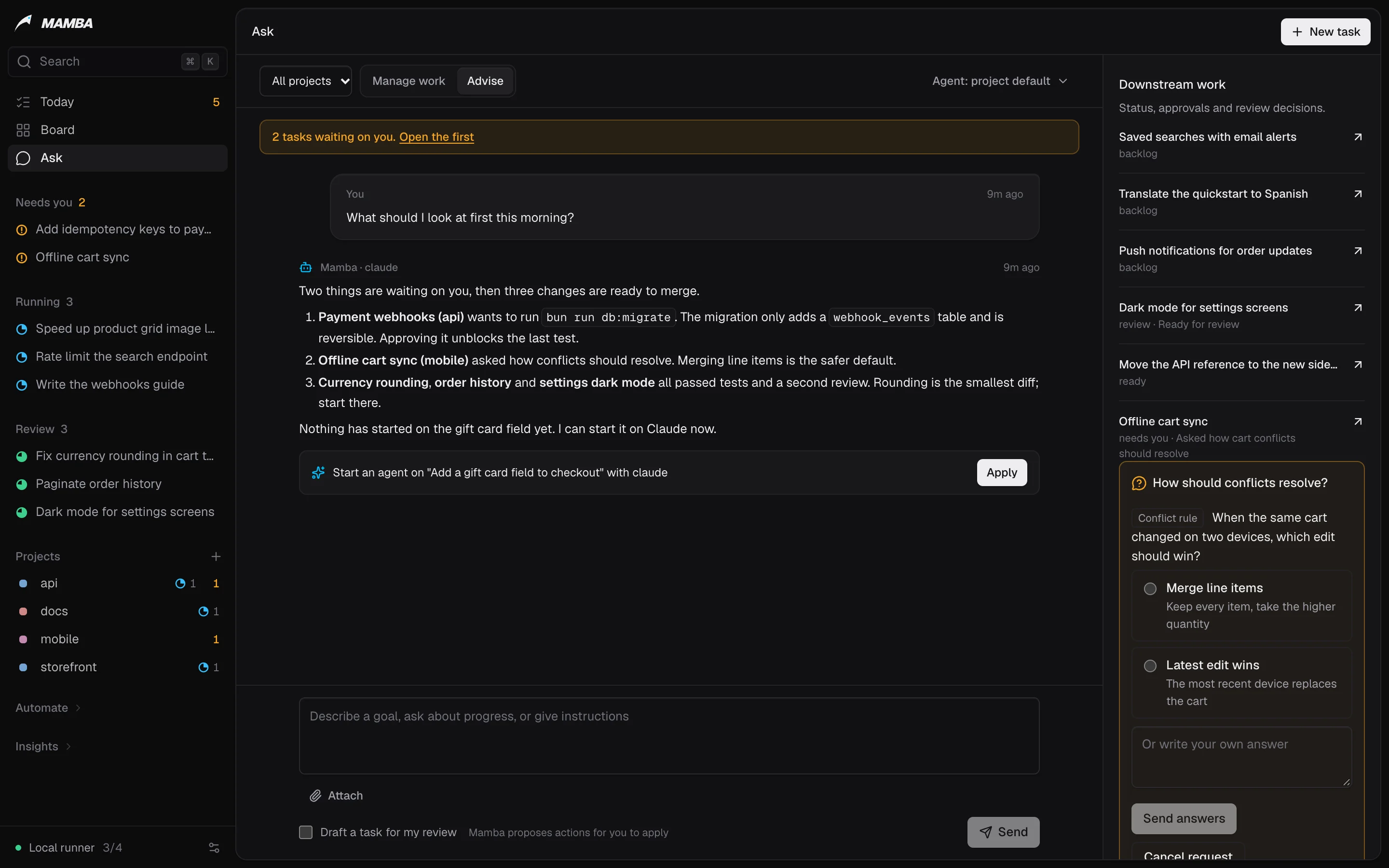
Chief is a conversation that plans and delegates across all your projects. It routes work to the right agent, follows their reported progress and brings back only the decisions that are yours.
- Manage work dispatches tasks; Advise and Draft leave proposals for you to apply.
- The packet: at most five decisions each morning, each with its evidence.
- Your mandate is read on every turn, so priorities stay yours.
02Board
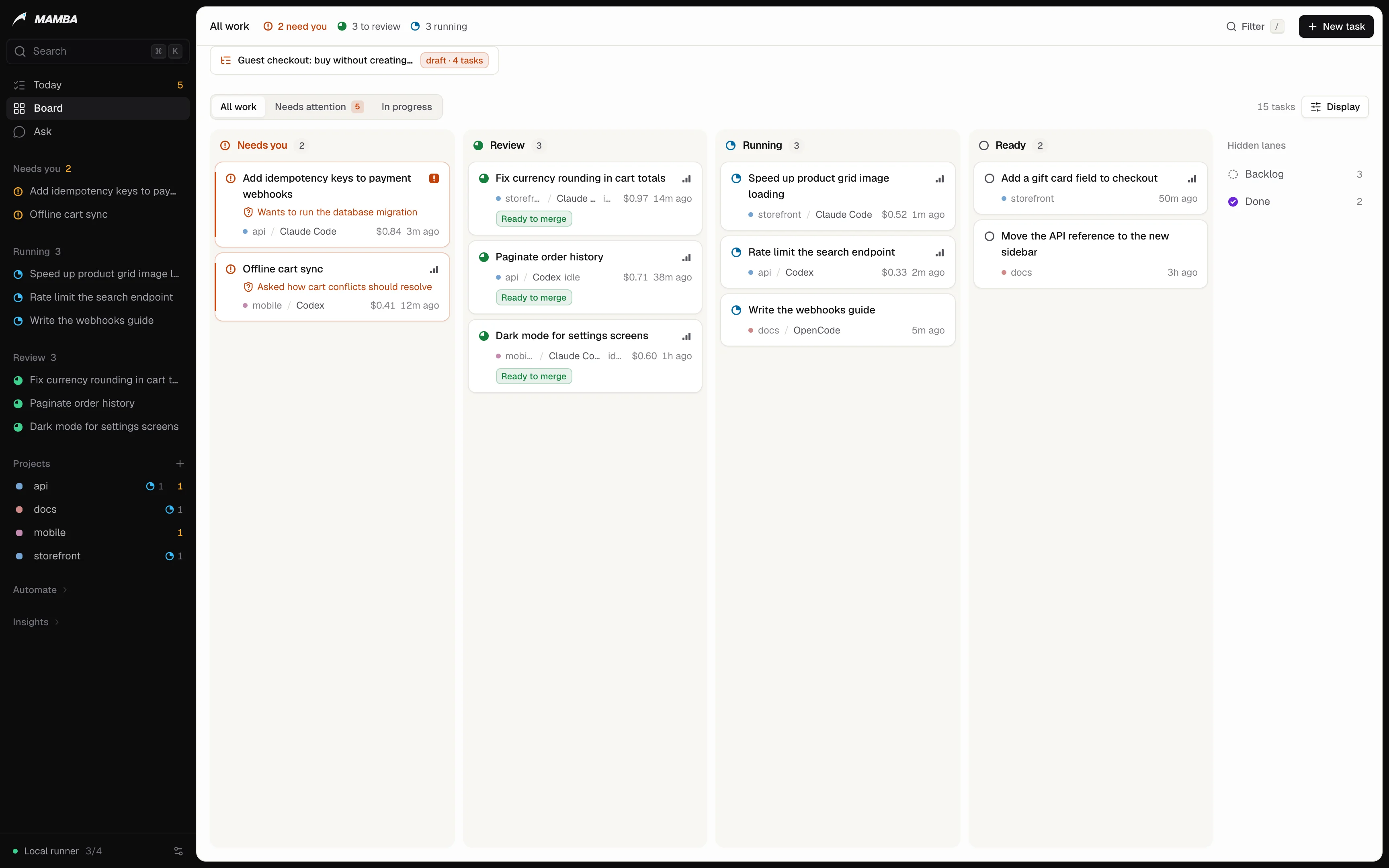
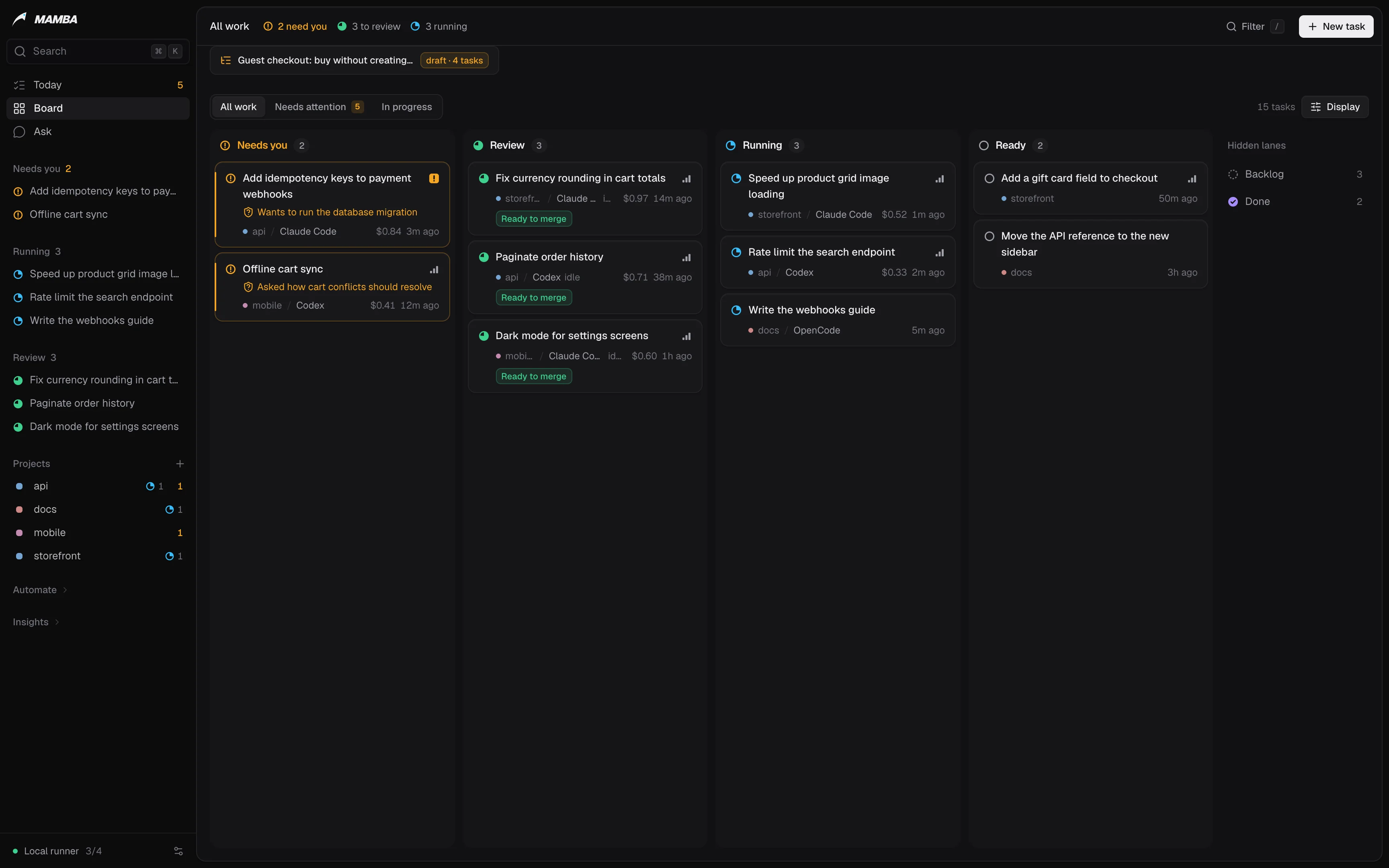
See what needs you in one glance.
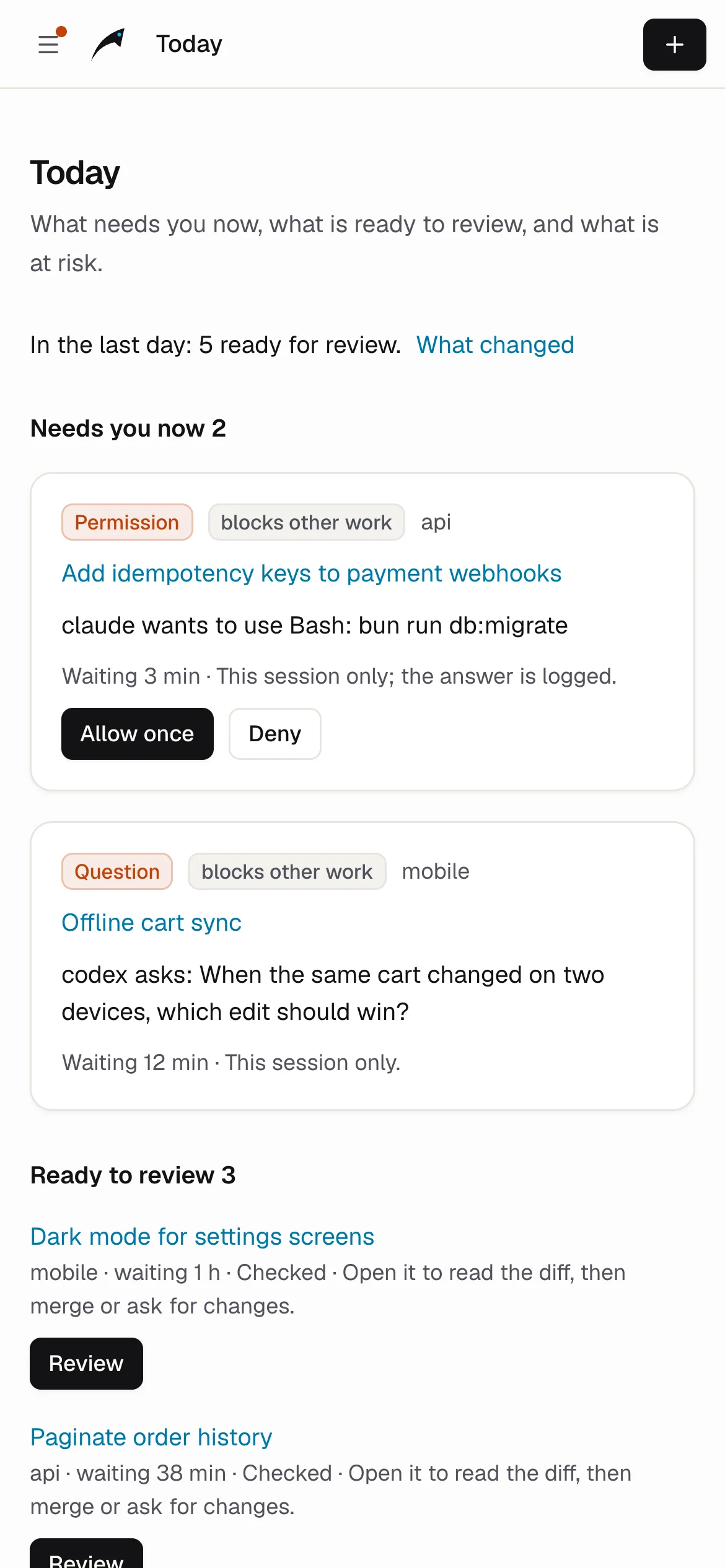
Tasks move through Needs you, Running, Review and Done. Colour is only for state, so the thing waiting on you is the thing you see first.
- Permission prompts answered from the task, your phone or the CLI.
- Steer mid-turn or queue a message for the next one.
- Every task has a link: bookmark it, or open it from a notification.
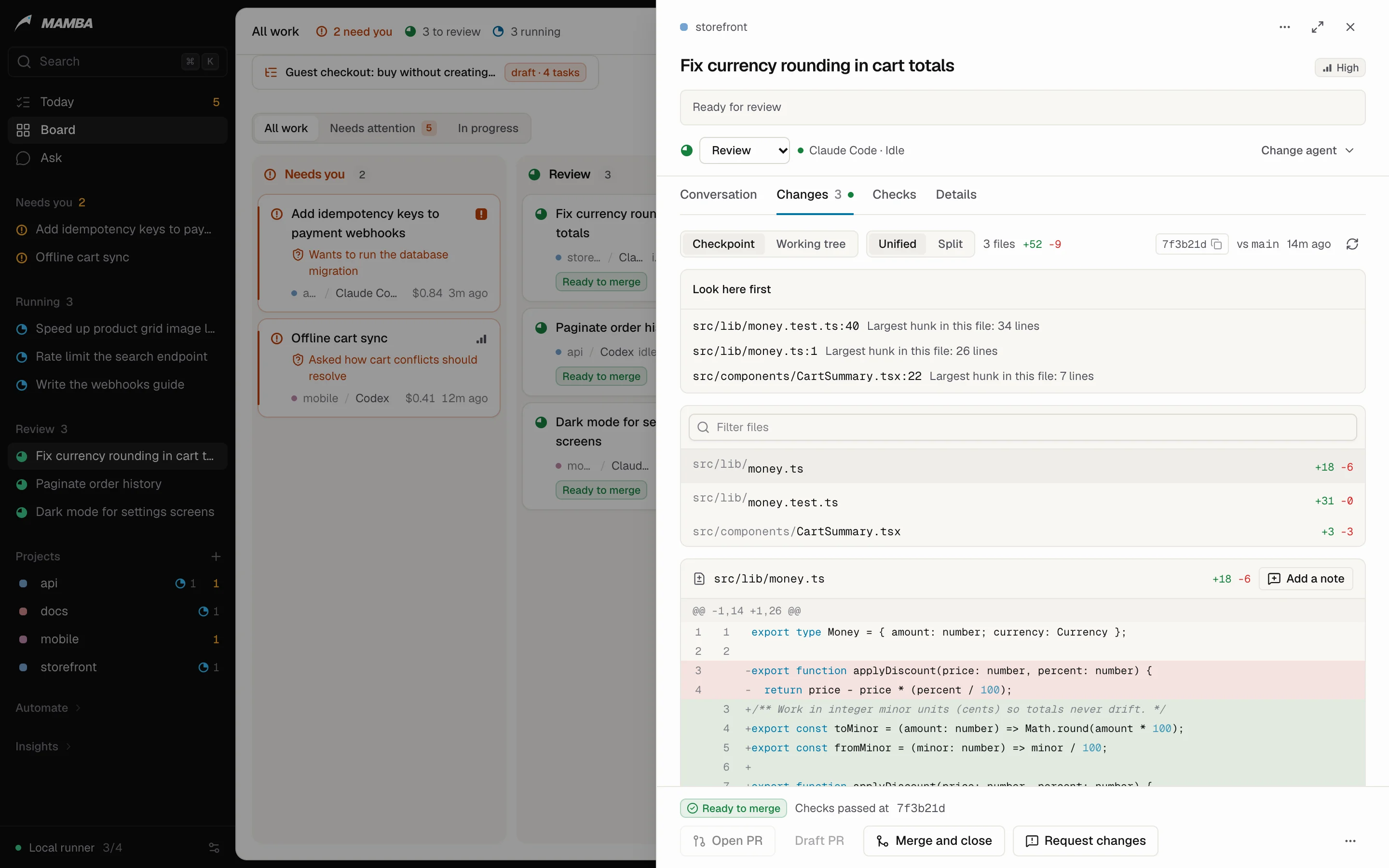
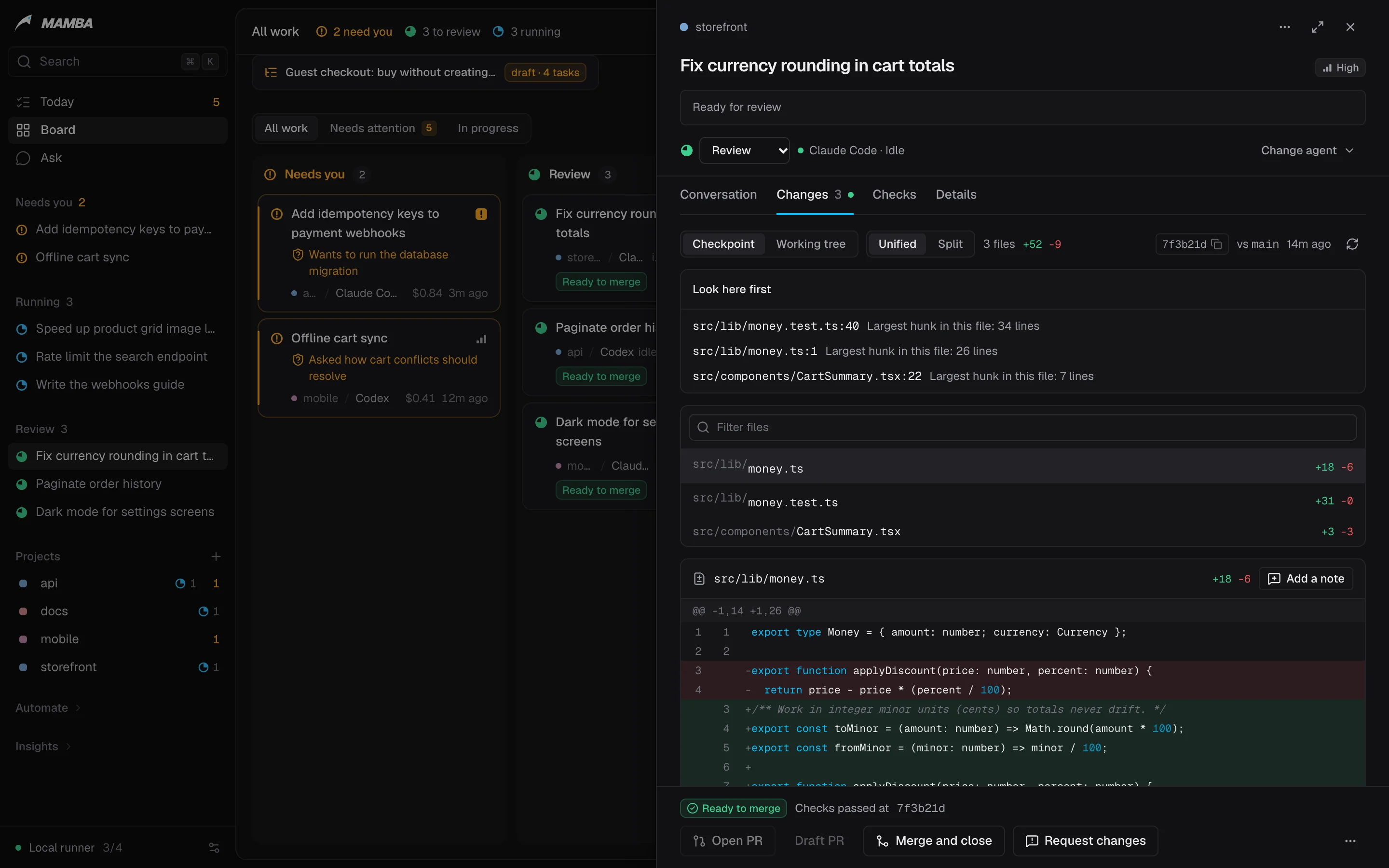
03Review
Nothing merges until you say so.
Each turn is committed as a checkpoint. A task lands in Review with the diff, your test run and, if you want one, a second agent's review. Ready to merge means every check that ran passed.
- Acceptance criteria like
test: checkout keeps VATtick only when a test passes. - Ask the reviewer about the change before you decide.
- Merge locally or open a PR. Closing is always your call.
04Pipelines
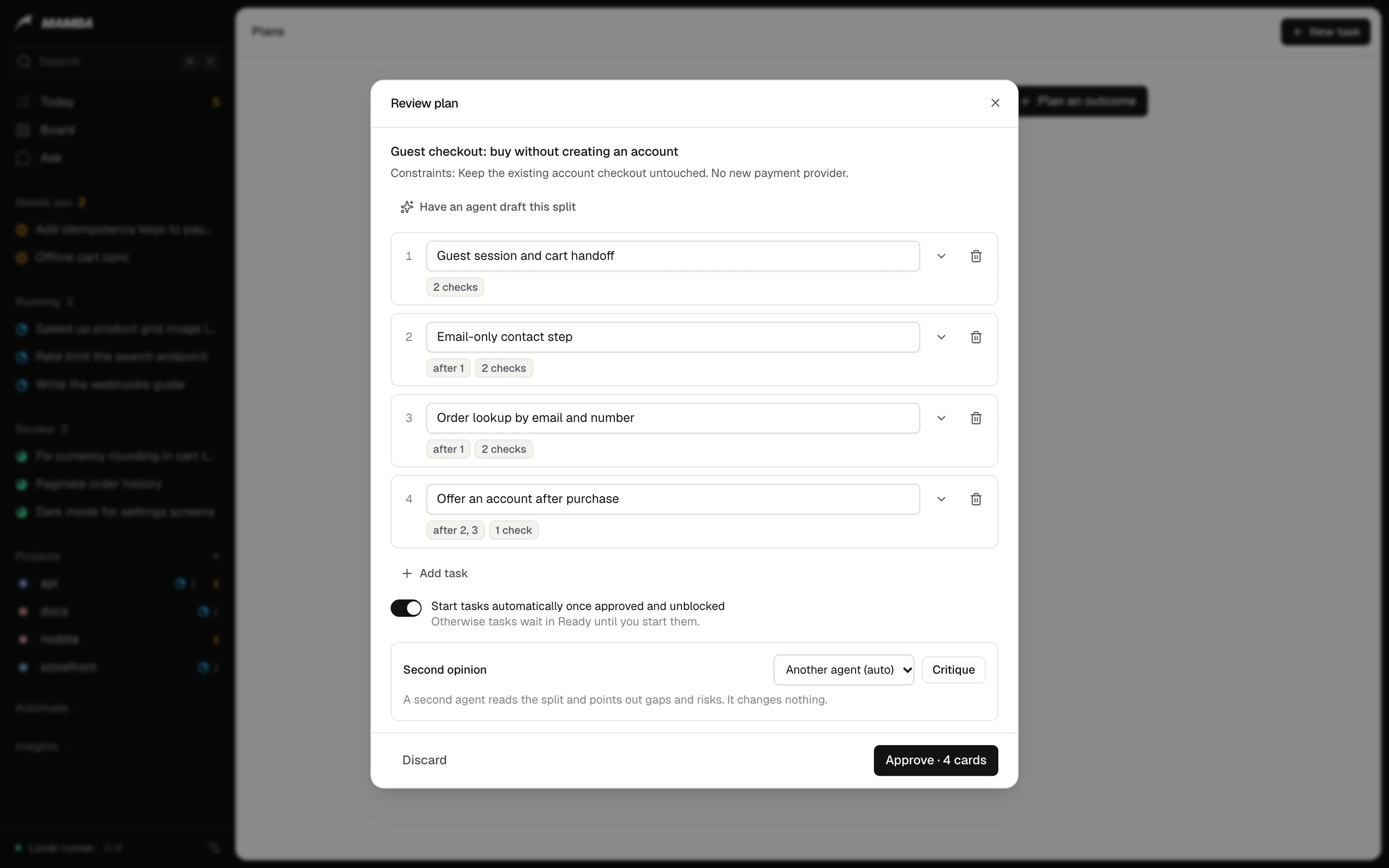
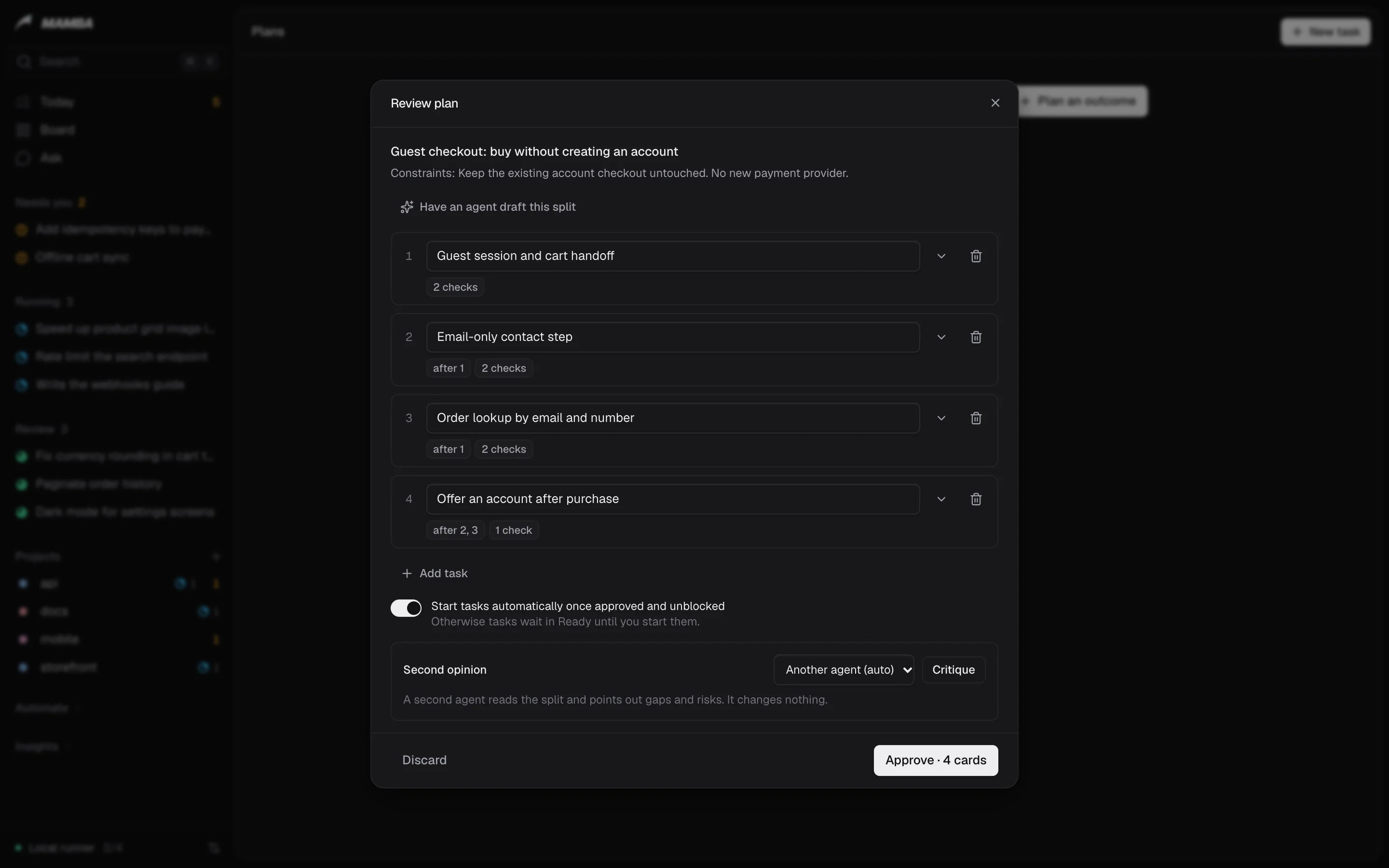
Pipelines in code, run by specialists.
Each project has a Captain that runs its pipelines: which specialist takes which step, what proves it worked, and when to stop and ask you.
- Versioned with the repo in
.mamba/pipelines, reviewed like any change. - Automation dial per project: manual, assist or autopilot.
- Budgets in dollars, minutes and attempts. When one runs out, it asks you.
05Everywhere
Wherever you are, the same work.
The board runs on your machine and installs as a Home Screen app on your phone, with a push for what needs you. The Mac app is native, with the tray and notifications. The CLI does everything the board does, with --json.
- Phone: approve, deny and steer from a notification.
- Mac: a native window built with Tauri 2.
- CLI:
mamba status,mamba allow,mamba card merge.
And more
The rest of the operating system.
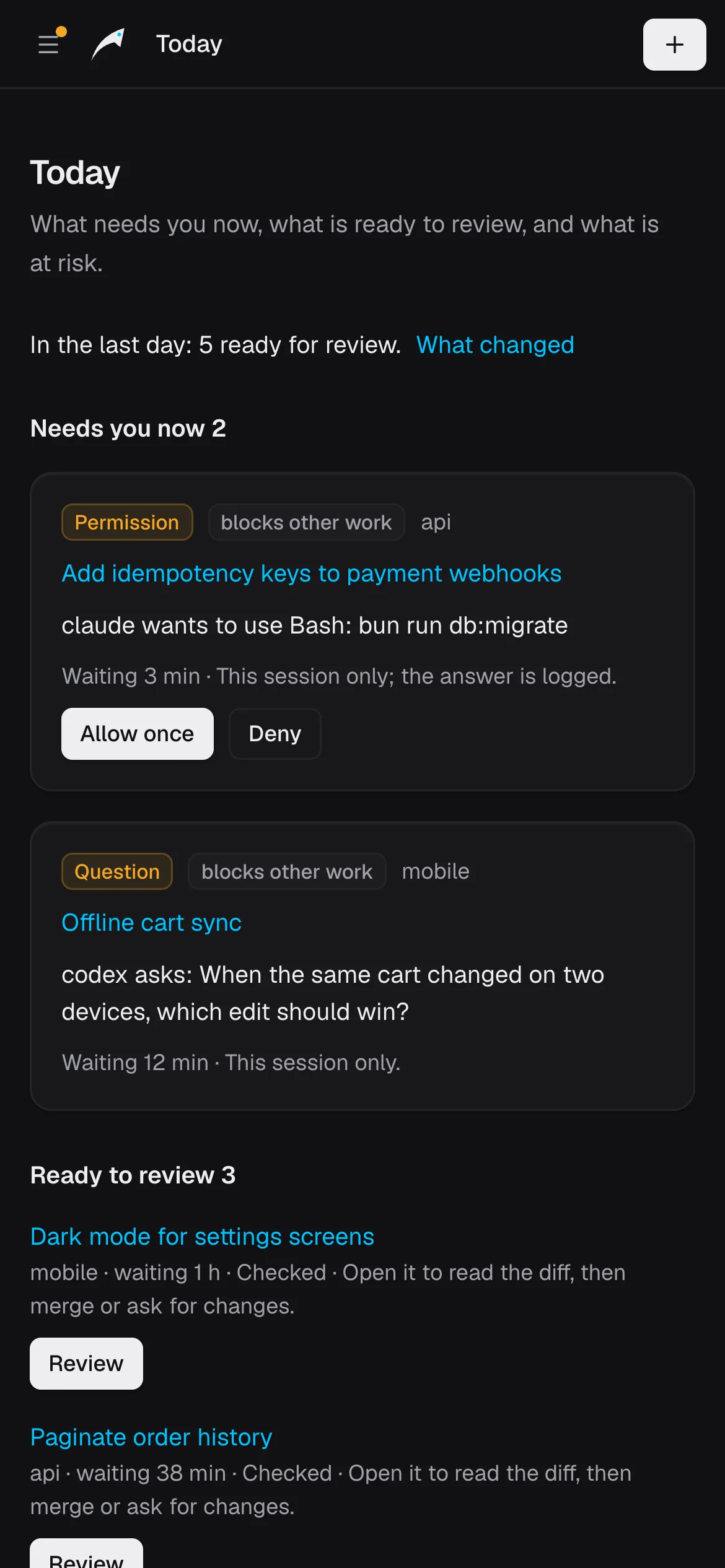
Today
Needs you first, then running, then review. One screen tells you where to look.
Projects from your disk
Repositories on your machine show up ready to add in one click. Scratch projects need no repo.
History and search
Every session, transcript and checkpoint, searchable. Import past sessions from your agents.
GitHub and GitLab
Open PRs, feed CI logs and review comments back to the agent, and record merges.
Scheduled workflows
Nightly test health, dependency audits, security scans and docs drift, each a readable task.
Intake
Turn issues, webhooks and alerts into tasks with the context the agent needs.
Limits and usage
See each agent's usage window and when a limit resets, as the agent reports it.
Extensions
A new agent is one driver file. A new policy is one rule file. Both toggle on and off.
Agent access
Let your other AI agents create and steer tasks over MCP or REST, with their own keys.